The Journal Entry Manager features grids on multiple pages that presents a range of attributes and fields. Each grid is equipped with multiple toolbar buttons, configurable options, and sorting capabilities to facilitate efficient viewing of items.
Toolbar Buttons
-
Ellipses: Autofit, Reset State, and Export the Menu Columns.
-
Insert Row
-
Delete Row
-
Cancel All Changes Since Last Save
-
Save
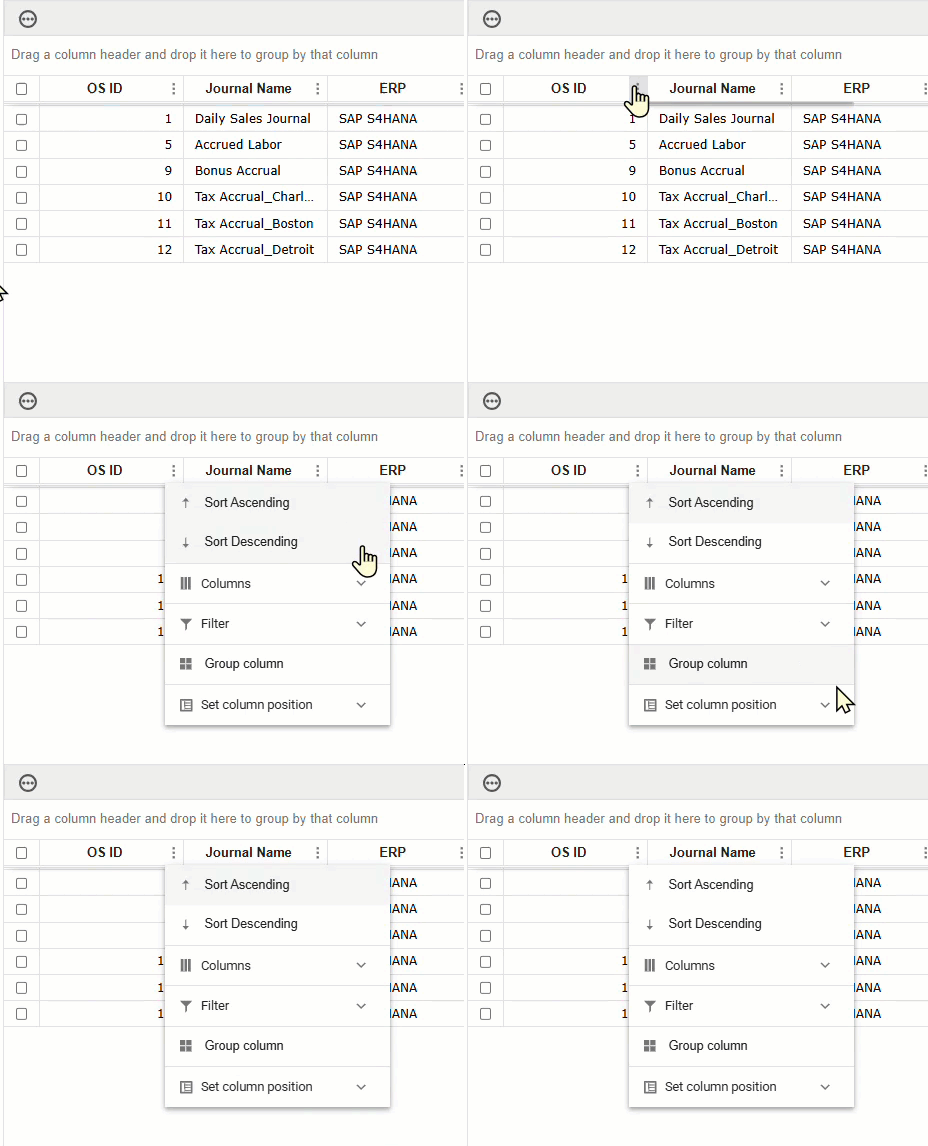
Click on the Column Menu filter  to sort the fields by:
-
Sort Ascending
-
Sort Descending
-
Filter: Customize by logical or comparison operators, such as equal to, less than, null, or, and.
-
Set Column Position: The options available are Lock, Unlock, Move Previous, and Move Next.
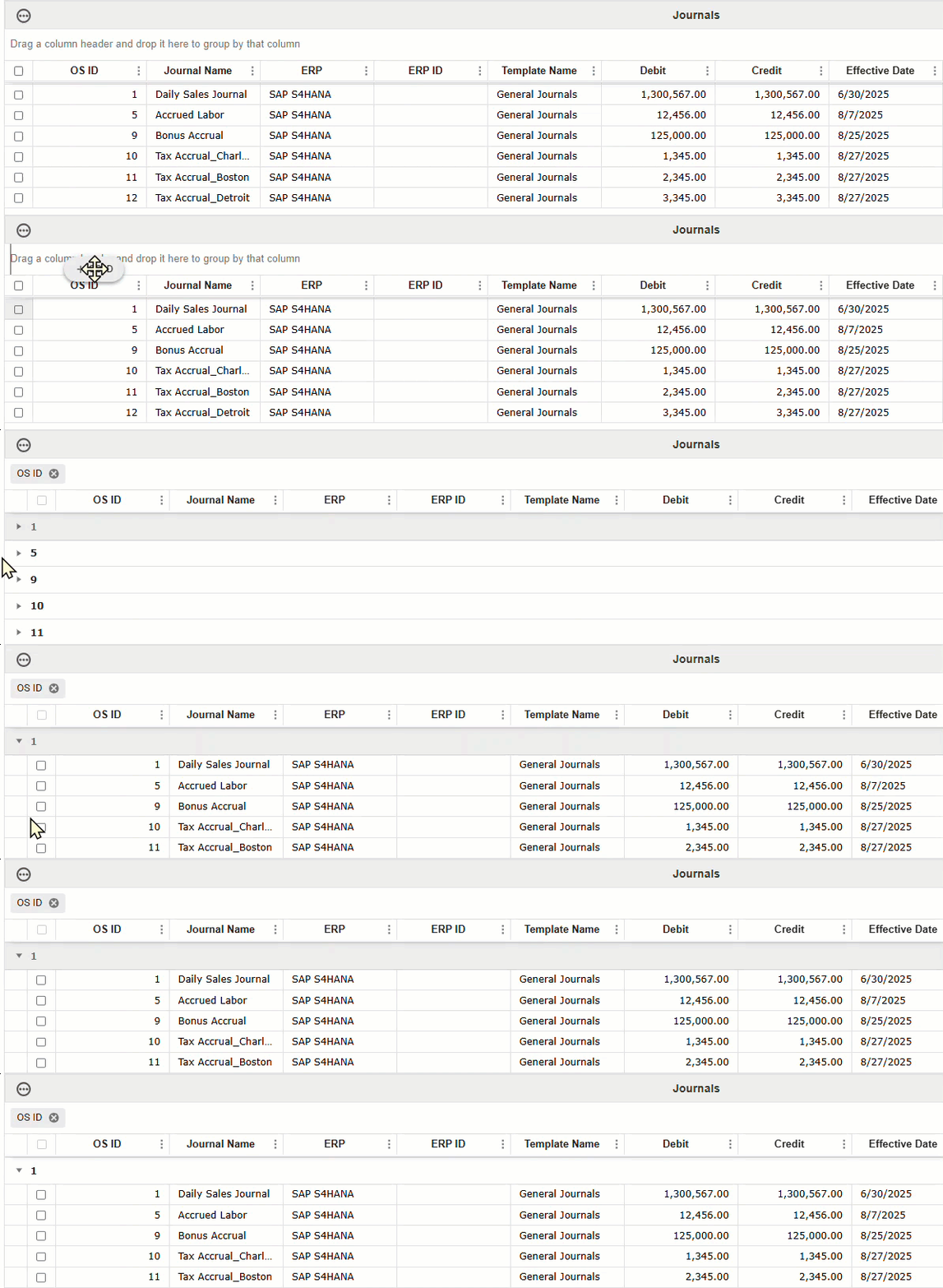
You can also customize the table by dragging and dropping column fields in any order desired. If you click a column, it automatically sorts by ascending or descending order.
The content below is an example of dragging and dropping column fields.
Sample Grid Toolbar
The content below is an example of the Grid Toolbar on the Journals page.
Example: The content below is an example of the Grid Toolbar on the Notification Methods page.


